




Skip to content

Product Designer & Engineer

(1)

eosIQ

A legal AI platform for nonprofits, built on patterns users already trust.

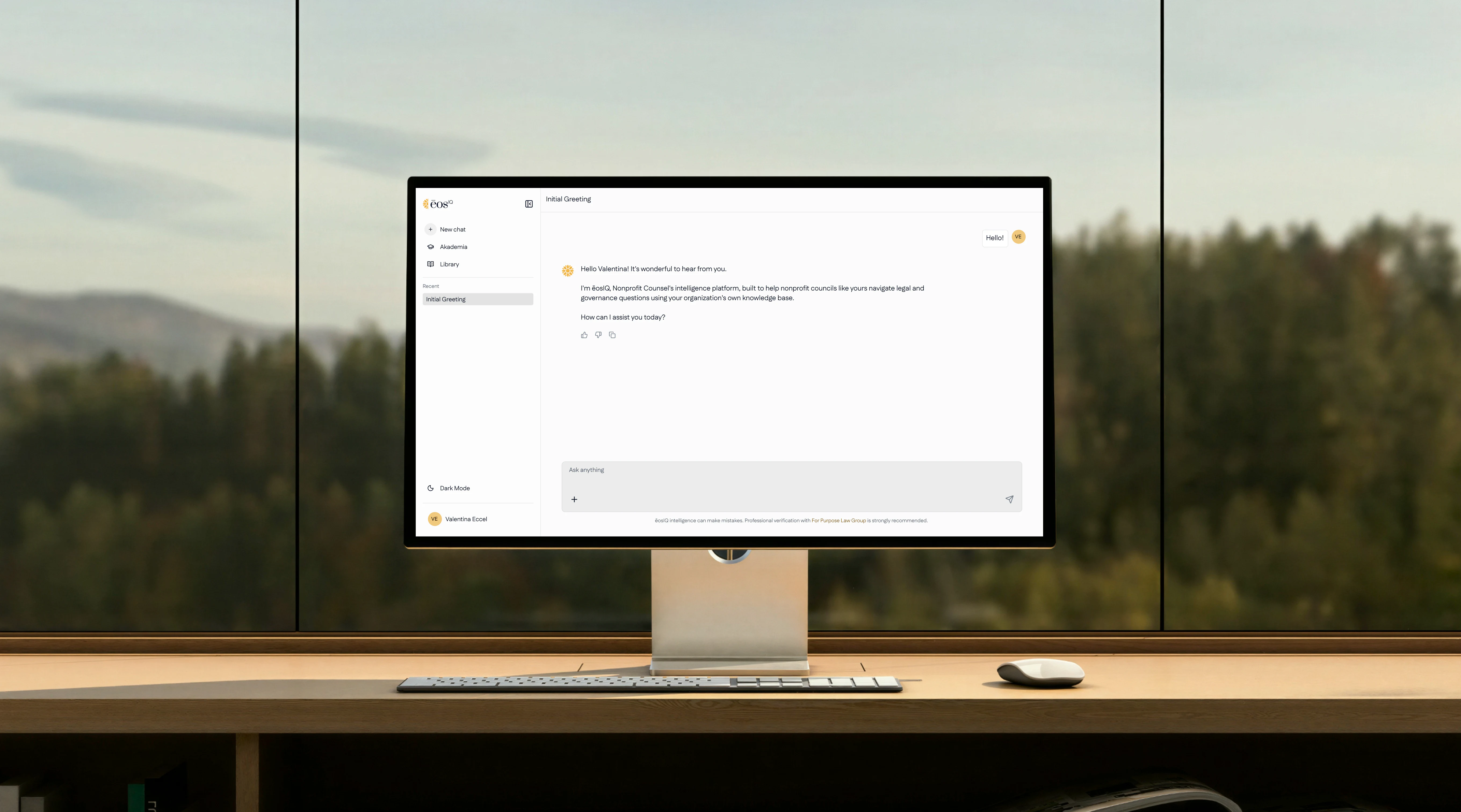
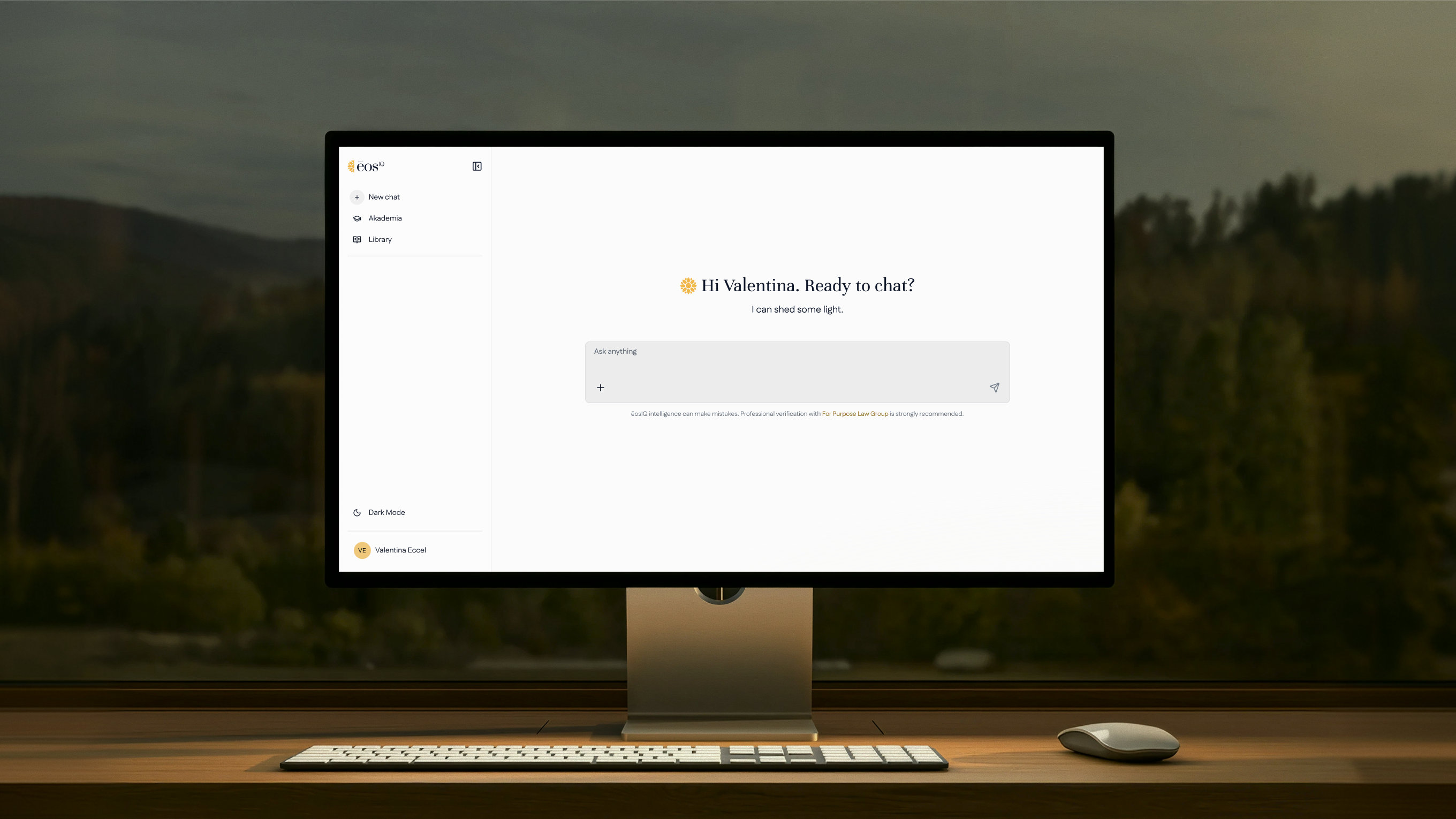
eosIQ on a desktop monitor: the first chat screen, light mode

eosIQ answers legal and governance questions for nonprofits, and most of the people asking aren't lawyers.

Client
eosIQ (For Purpose Law Group)
Scope
Product Design • UI Redesign • Feature Design
Year
2026
Location
USA

Summary

Designing a legal AI that earns trust before it earns use

eosIQ gives nonprofit boards and staff answers on legal, governance, finance and people questions, drafted by AI and grounded in their own documents. The product already worked. The redesign had to make it feel safe to people who had never used a legal tool.

An audit of every surface, from login to Library, pointed to three principles: make it familiar, make it legible, and keep every answer tied to the documents behind it.

The Audit

A first screen carrying more than it needed.

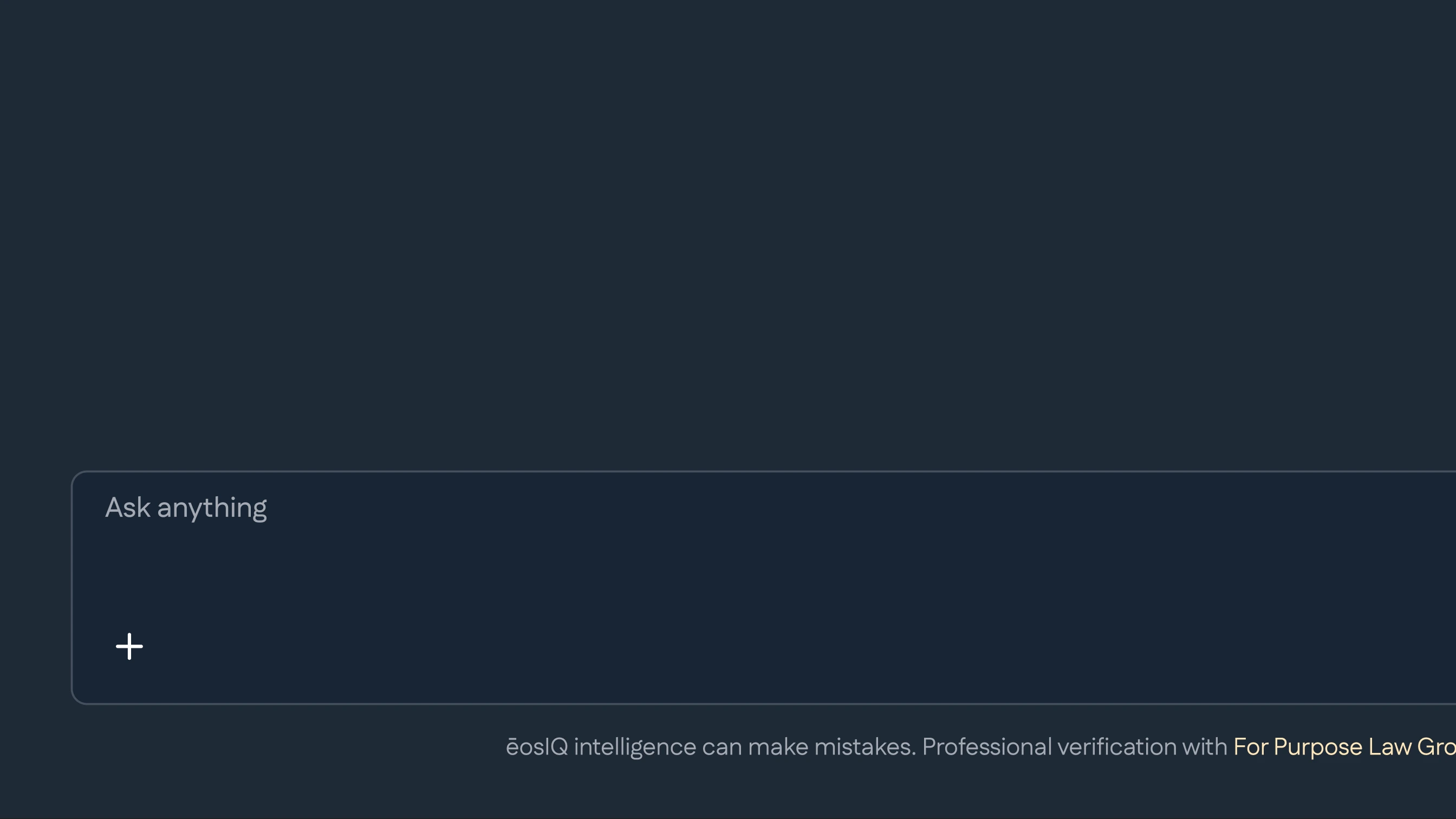
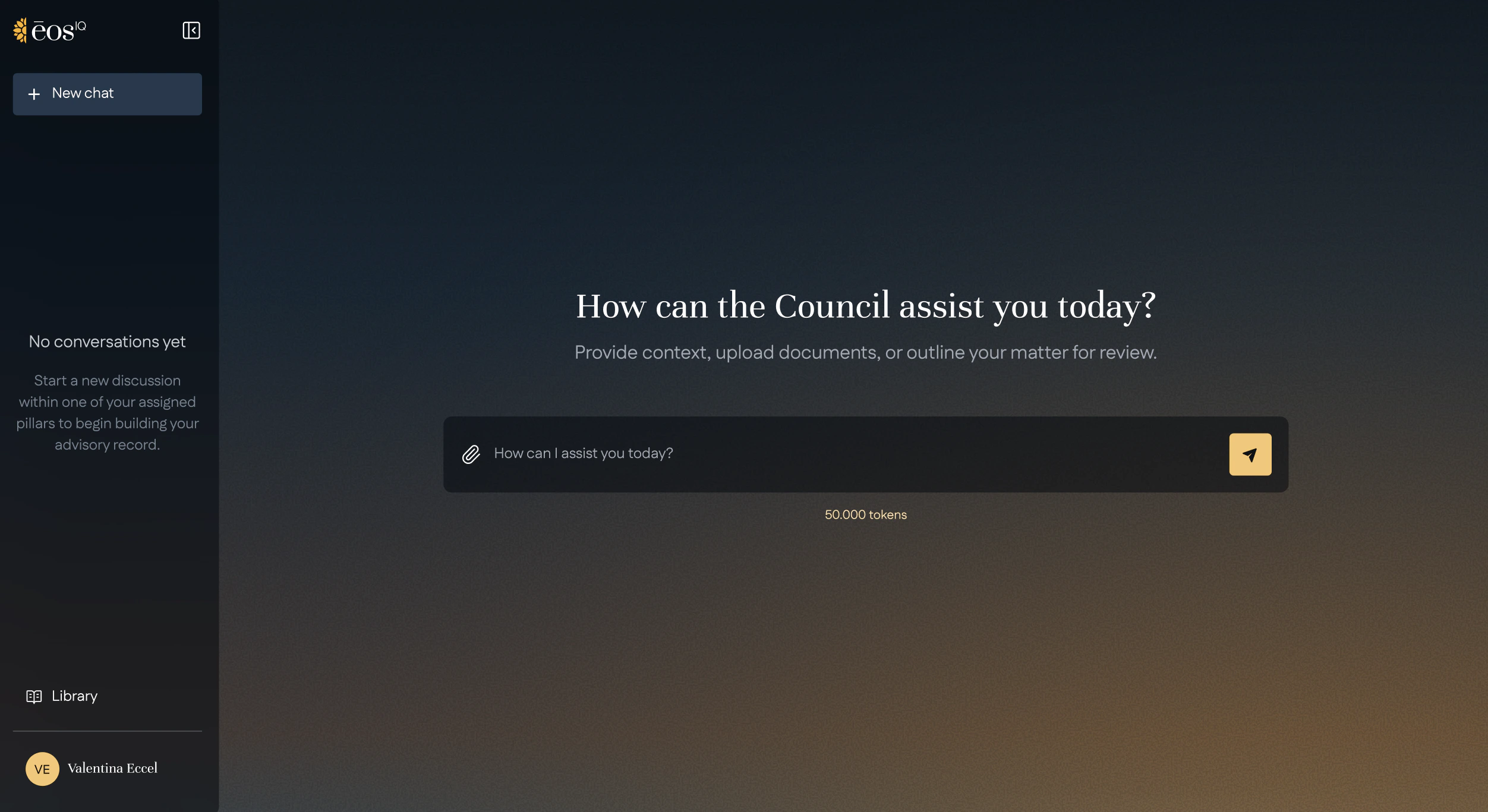
The old first screen: a gradient behind the sidebar and prompt, a paragraph for the empty state and a token count under the prompt
  1. A gradient under every surface

    Sidebar and input sit on it at 50% opacity, so readability shifts with the background.

    See the fix
  2. An empty state explained in a paragraph

    Four lines of text to say there are no chats yet.

    See the fix
  3. A token count on the main task

    “50.000 tokens” under the prompt, an account metric on the screen meant for asking.

    See the fix

Missing what makes a tool feel finished.

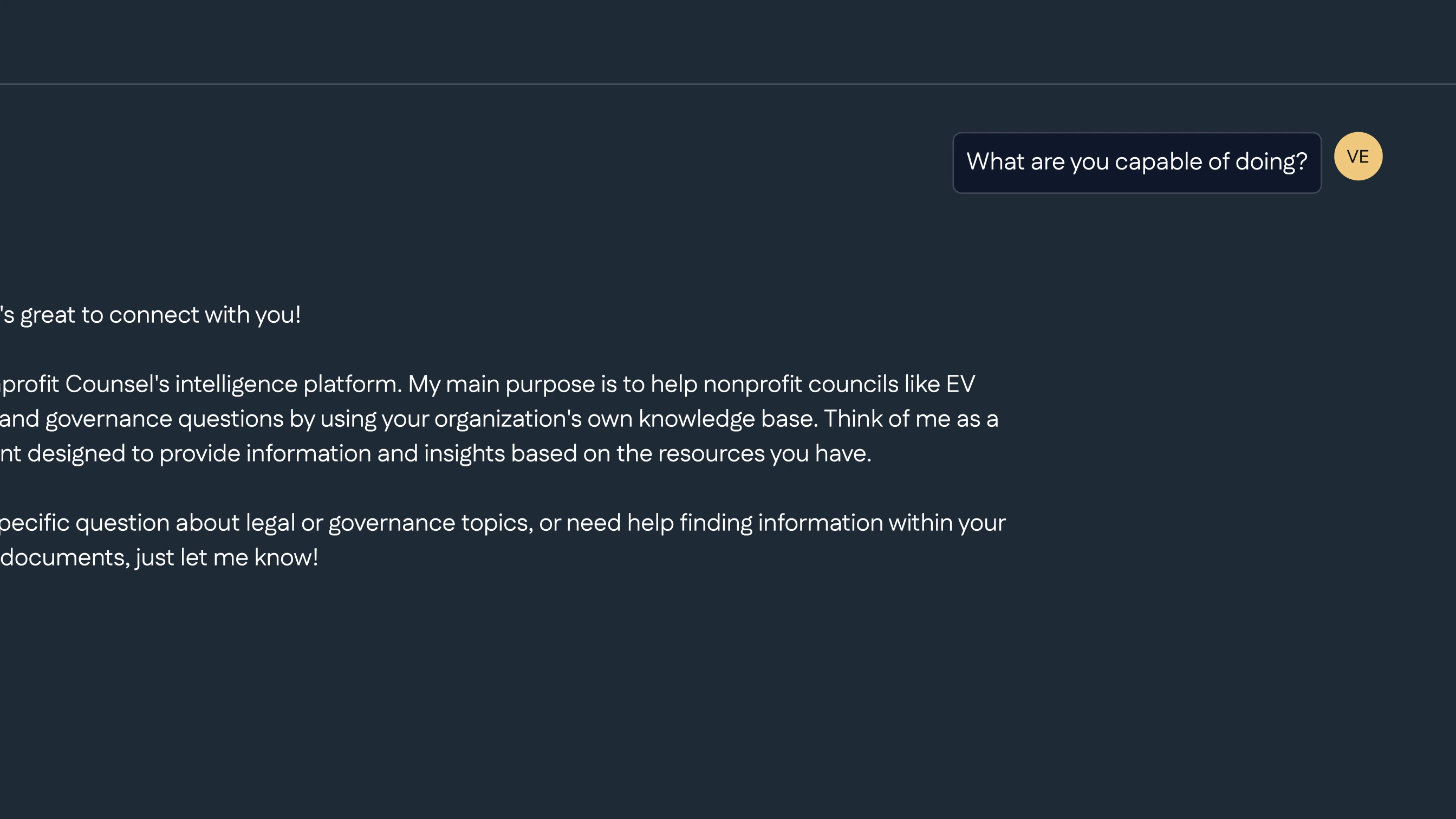
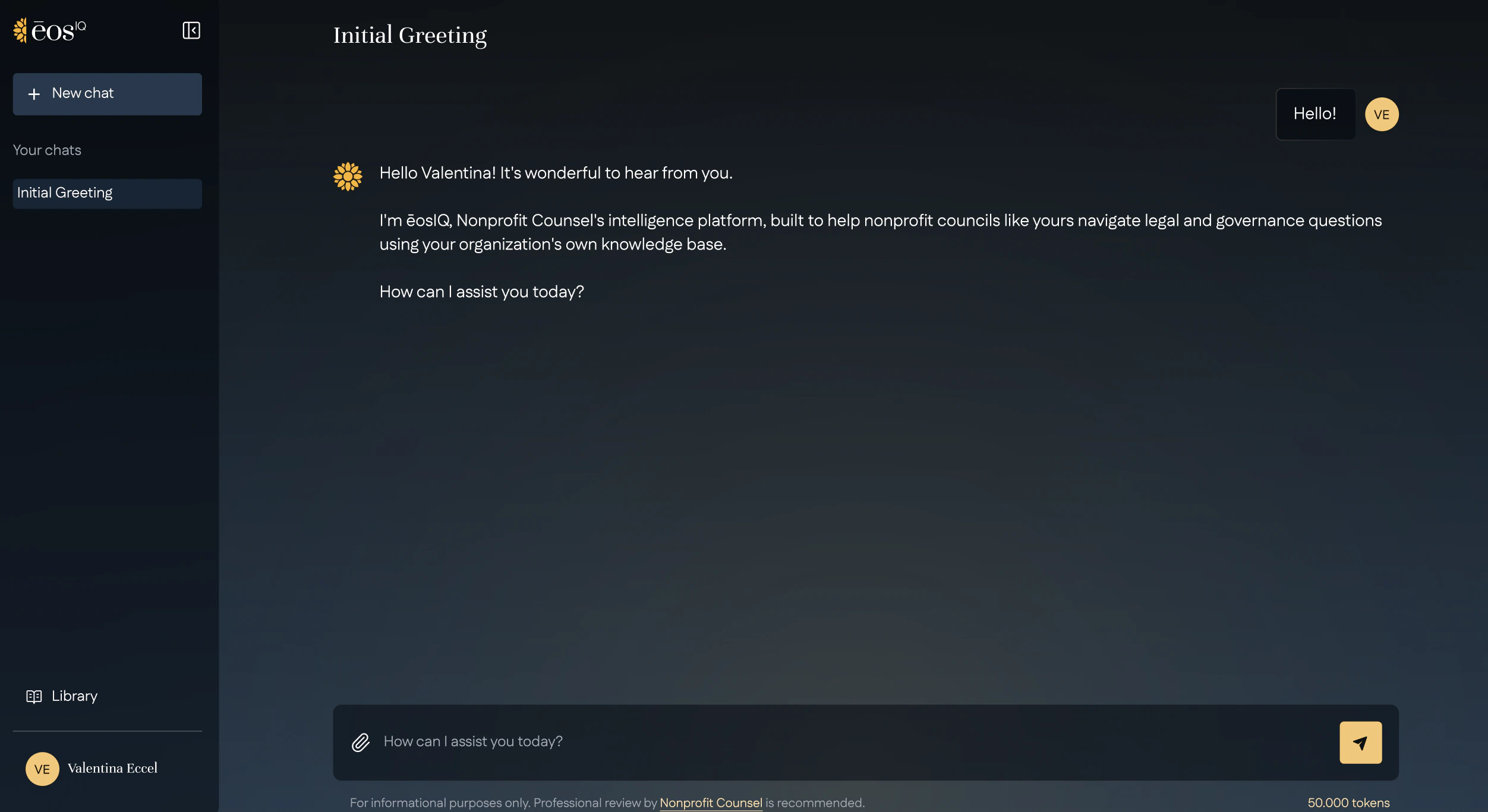
The old conversation screen: dark only, no actions under the answer and Library at the bottom of the sidebar
  1. No light mode

    Dark only, whatever the setting or the time of day.

    See the fix
  2. No way to rate or copy an answer

    Replies end with nothing to act on.

    See the fix
  3. A menu split in two

    Library sits at the bottom, next to the profile, far from New chat and the other actions it belongs with.

    See the fix

A Library that only existed on top of a conversation.

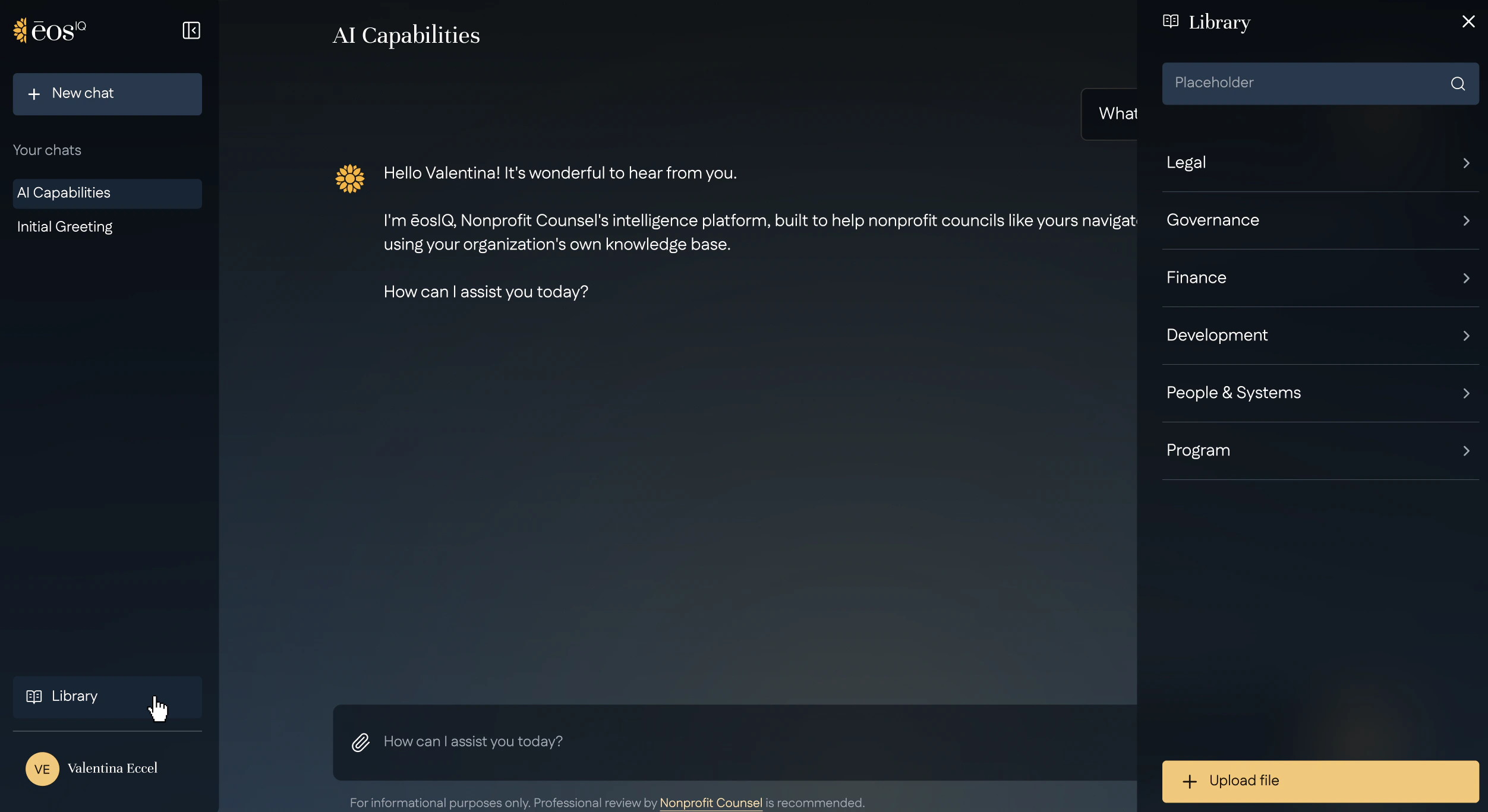
The old Library overlay over a conversation: six category labels and no files until one is picked
  1. Two buttons, one overlay

    The Library link in the sidebar and the attach button in the prompt opened the same panel.

    See the fix
  2. Documents one step away

    The panel opened on six category labels. Files only appeared after picking one.

    See the fix
  3. Nowhere to manage documents

    No dedicated place to see, organise or remove files. Every change went through the chat.

    See the fix

The Decisions

First screen

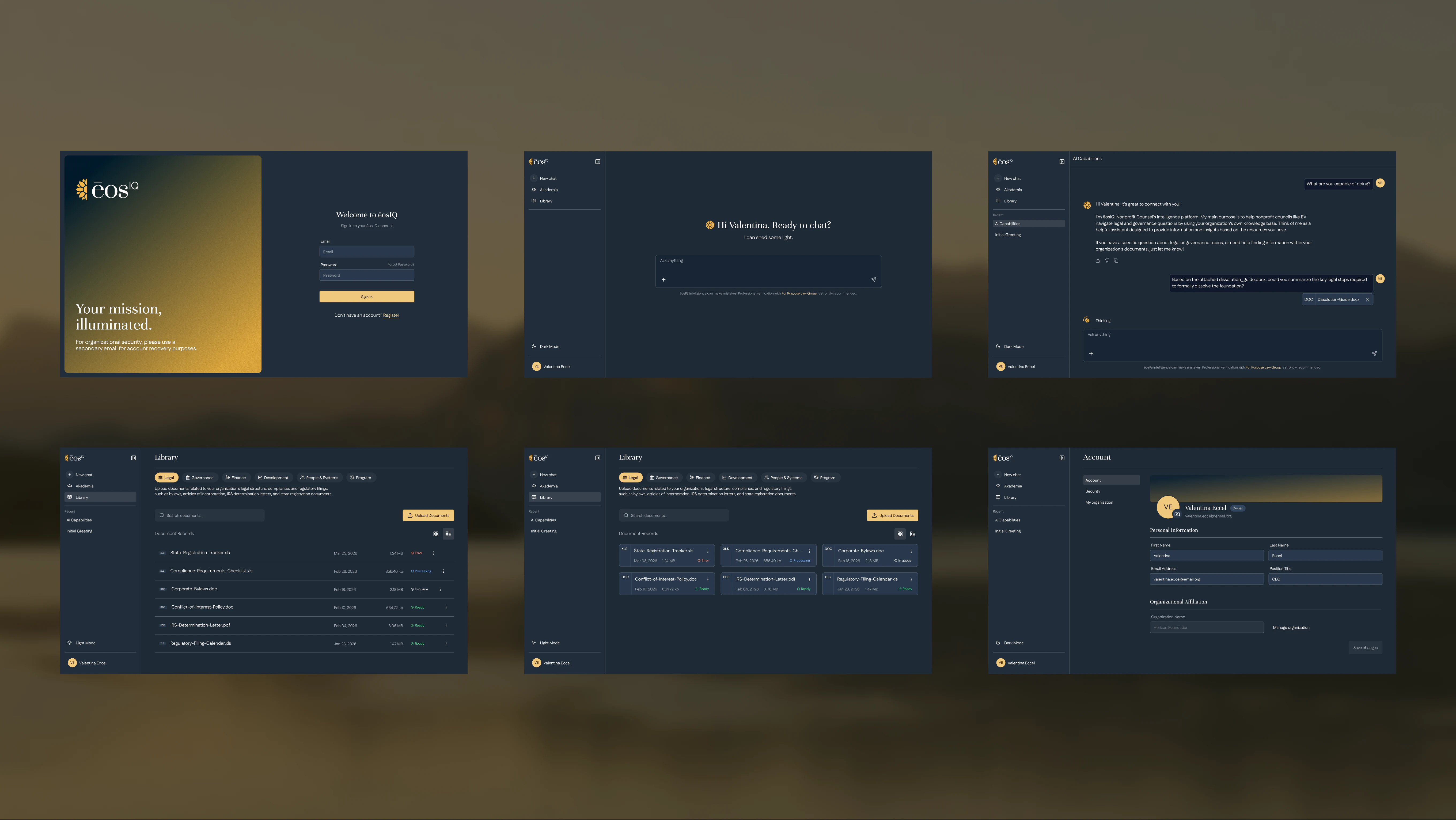
Patterns people already know, from the first screen

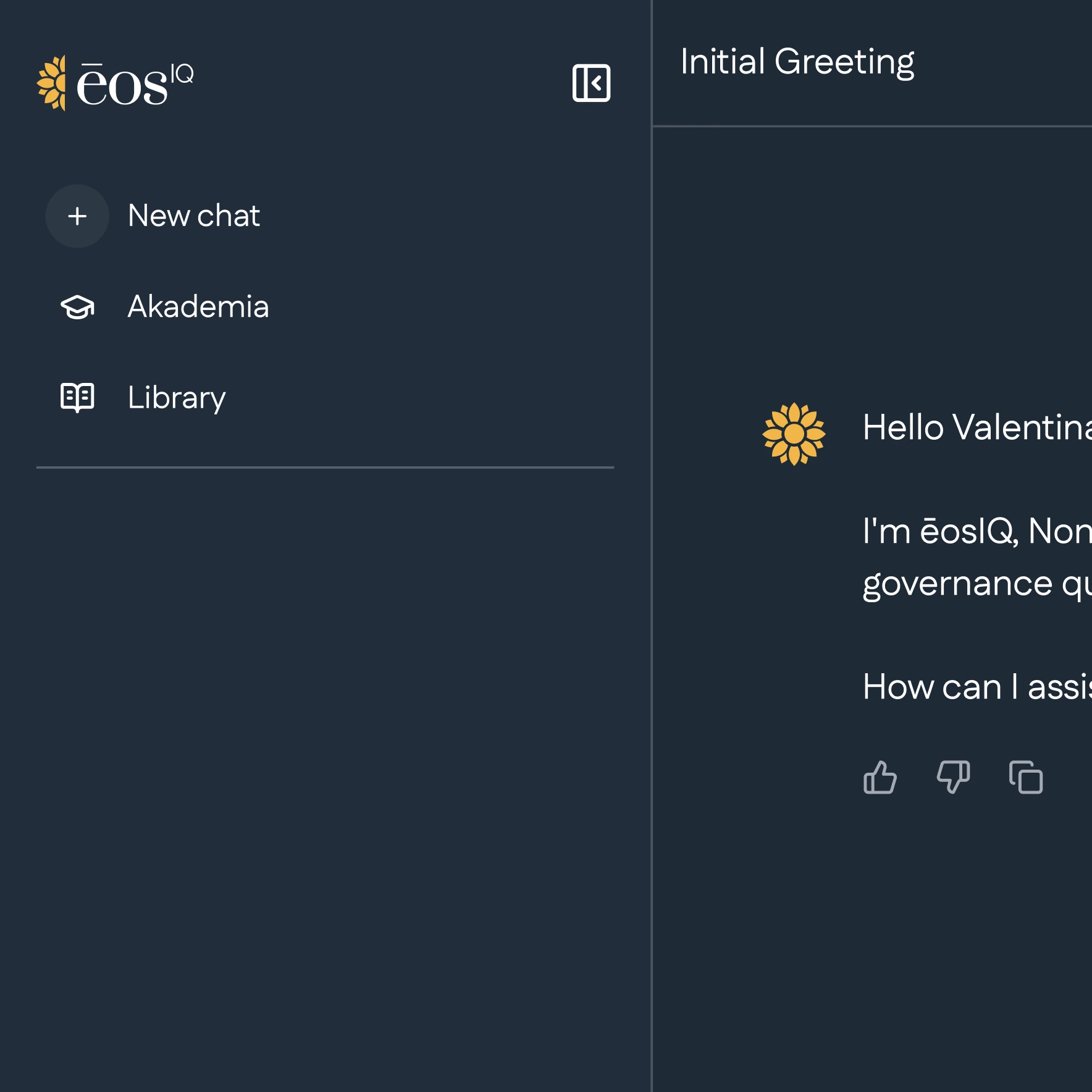
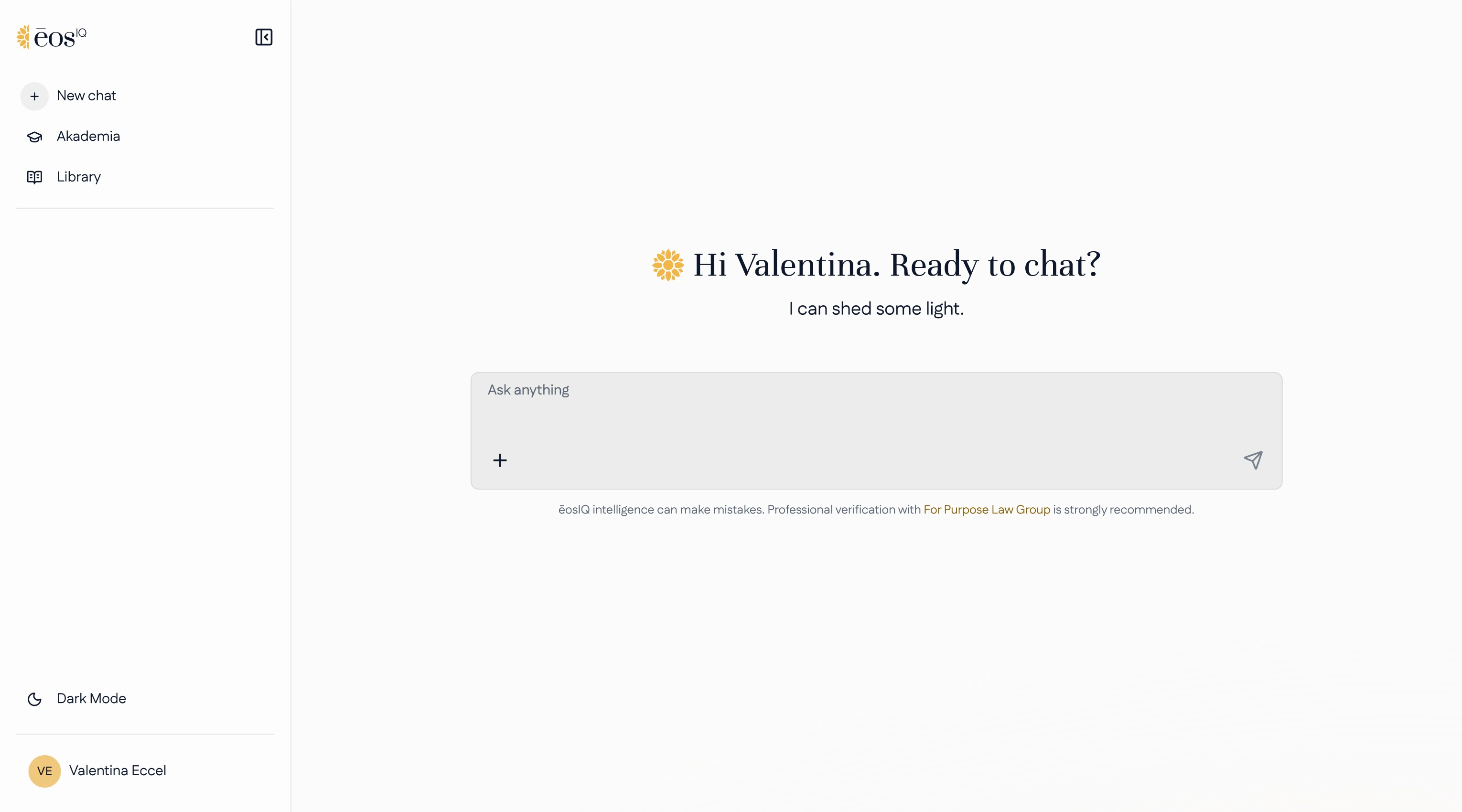
Nonprofit staff already use AI assistants at work. eosIQ follows the conventions those tools made familiar: a centred prompt on an otherwise quiet first screen, recent chats in the sidebar, and rate and copy actions under every answer.

There is nothing new to learn before the first question, which matters most for people who aren't sure their question is legal at all.


Readability

Readable on the gradient, in light and dark.
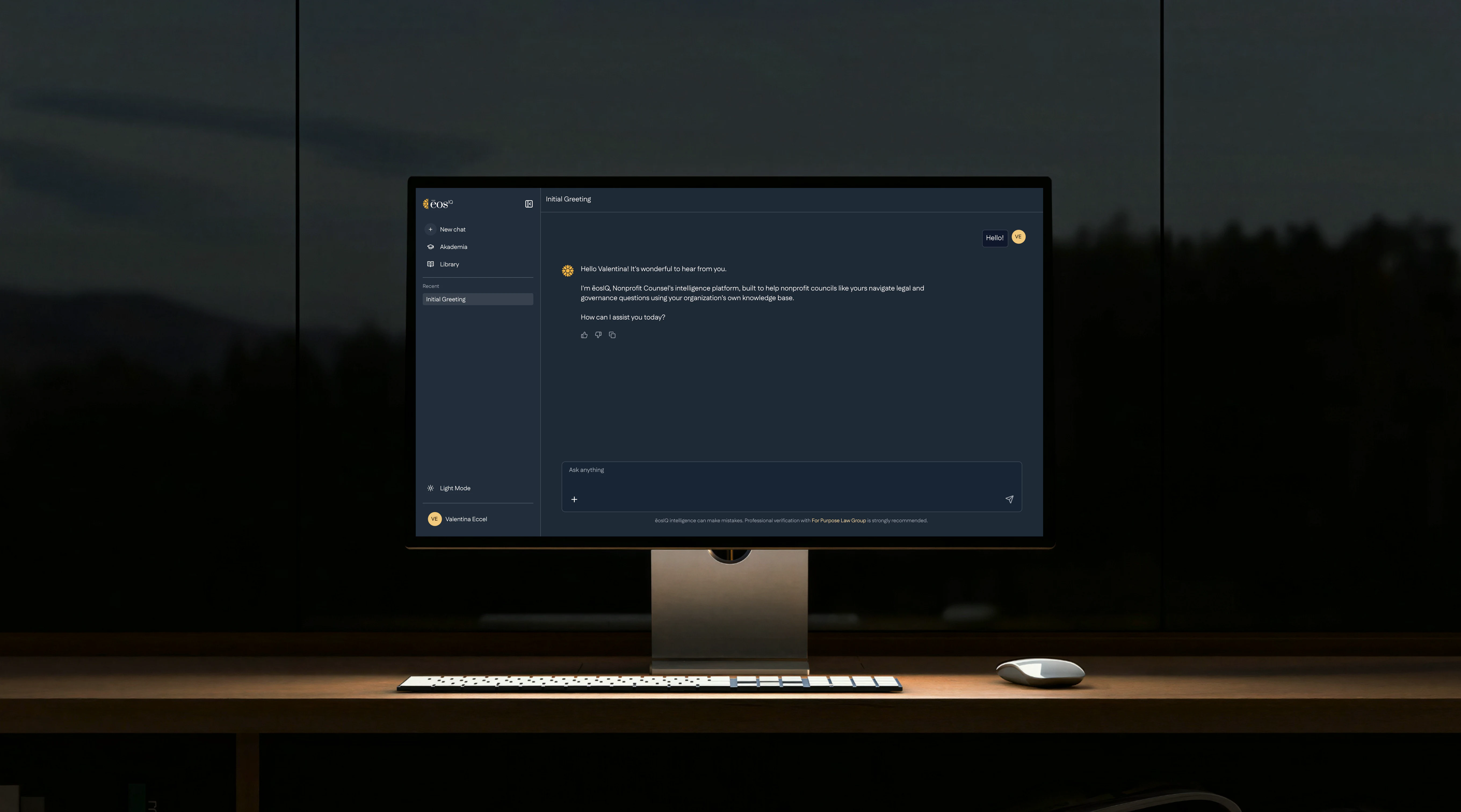
The gradient stayed, as the client asked. What changed is what sits on it: the sidebar, message bubbles and input became solid, opaque surfaces, so text no longer depends on where the gradient falls.

Light mode arrived as a preference, not a restyle. A toggle in the sidebar switches the same components between the two themes.

Documents

One place to manage documents, one button to use them.

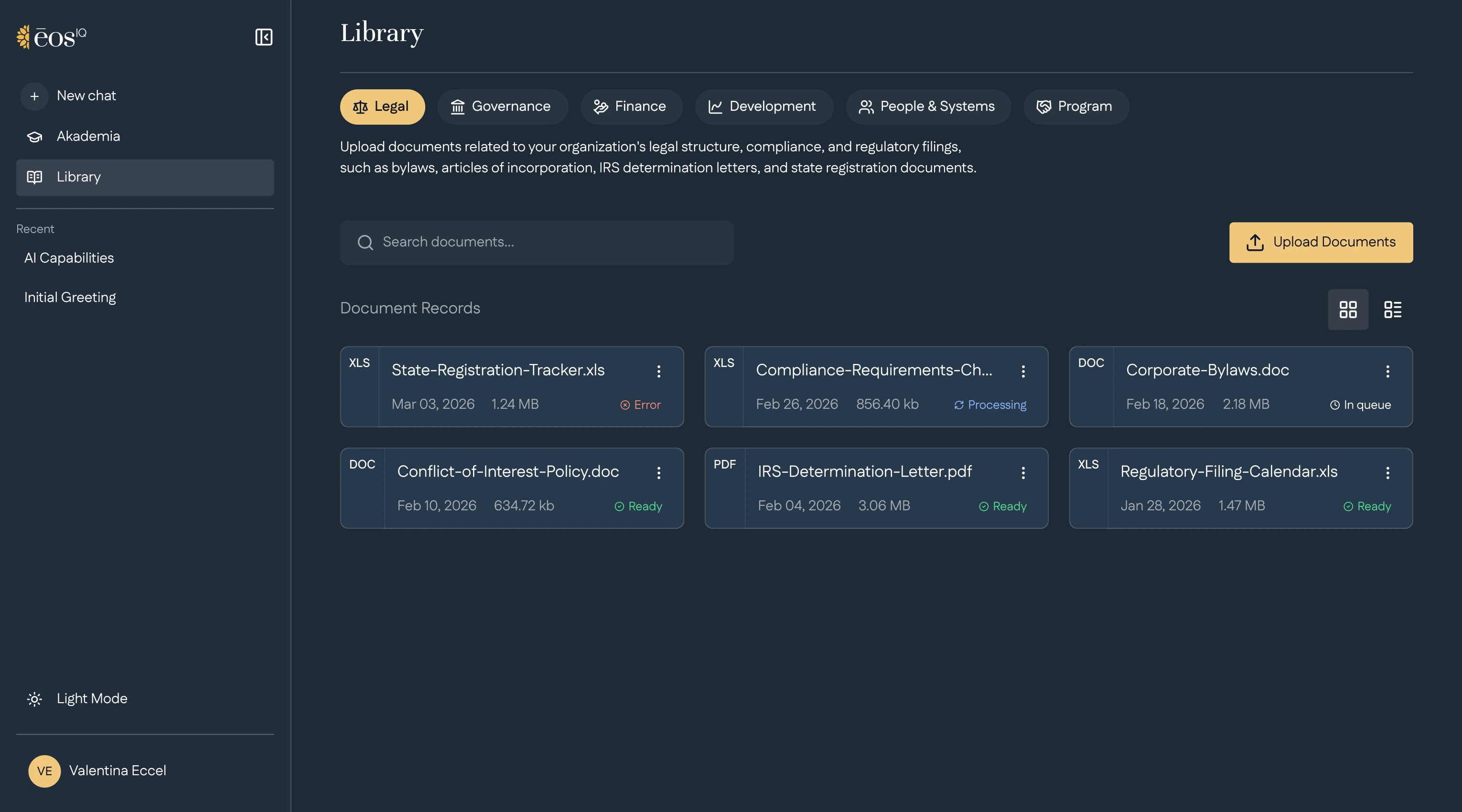
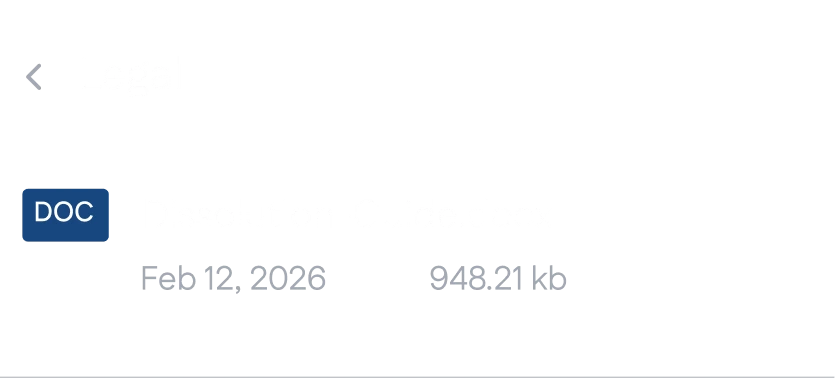
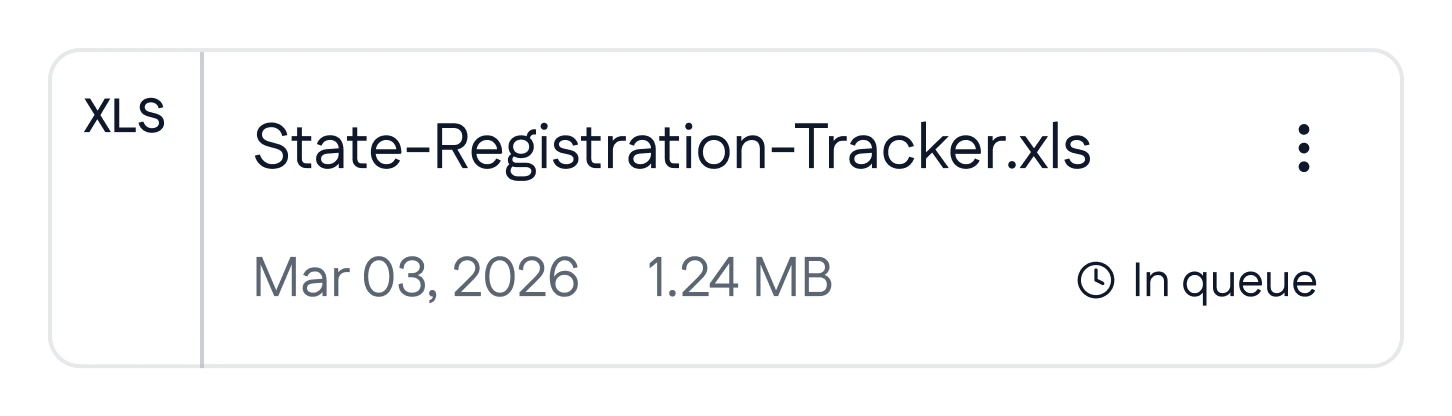
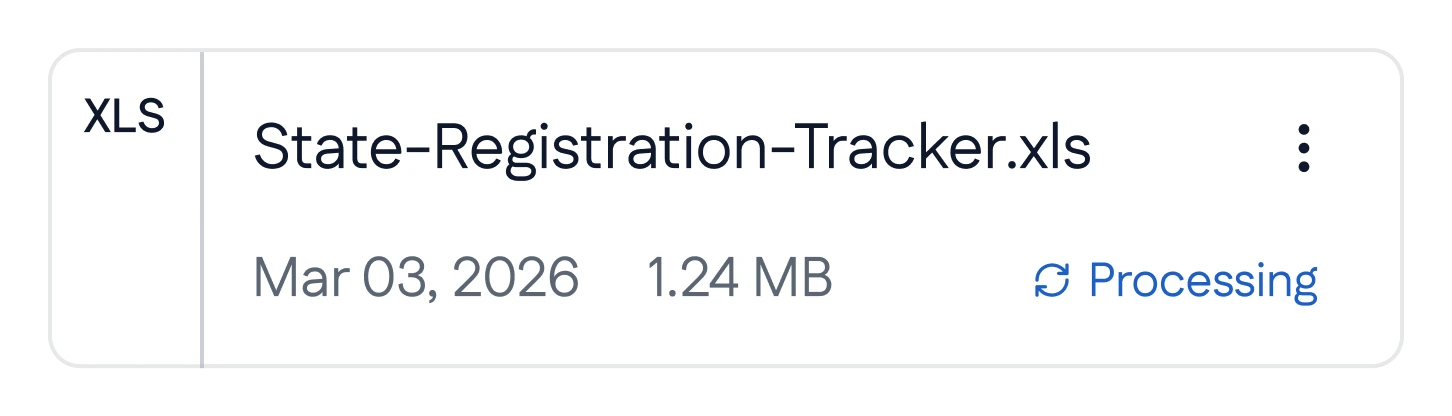
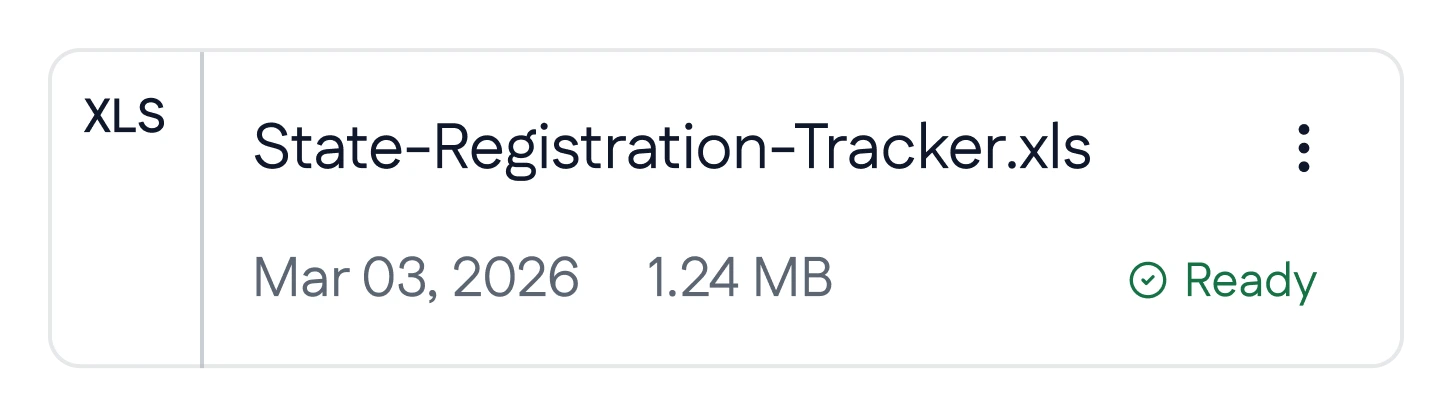
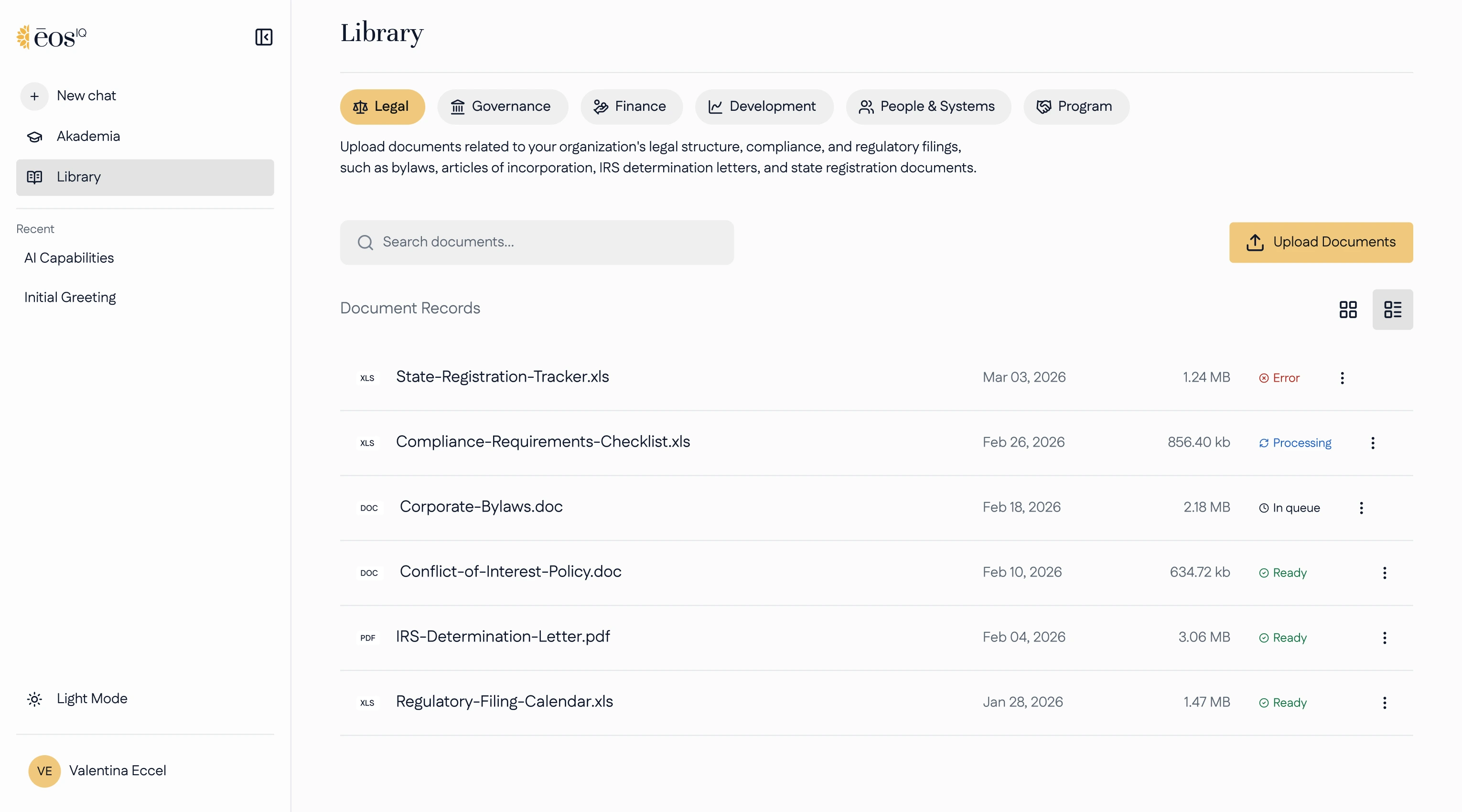
The Library link in the sidebar now opens a page of its own. Files come first, each with its type, size, date and status, with search, upload and the six categories on top.

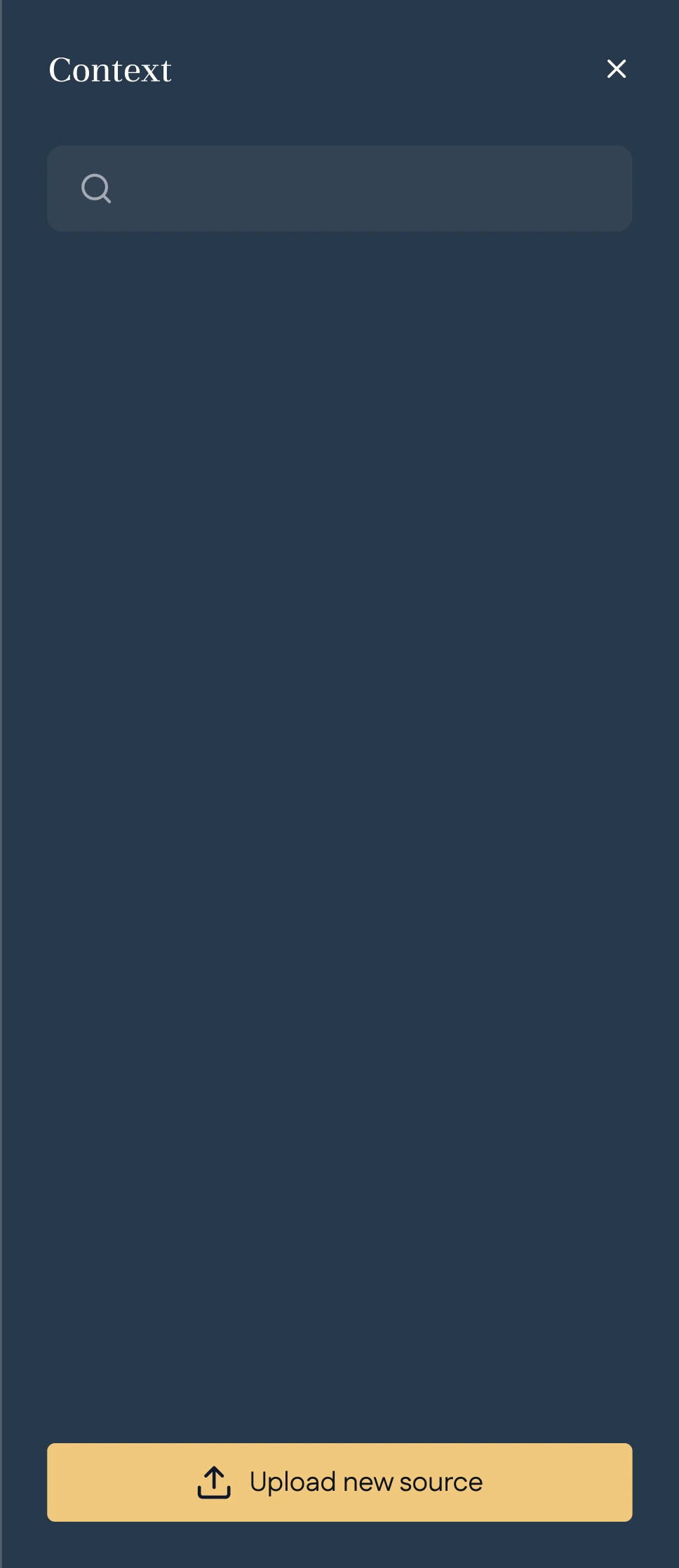
In a conversation, the + in the prompt opens Context, a panel built only for attaching: search, pick, and the file joins the question as a chip, so it's clear what the answer is based on.

Results

Every issue from the audit, answered on screen.

eosIQ hasn't shared usage analytics, so what follows is counted in the product itself, not modelled.

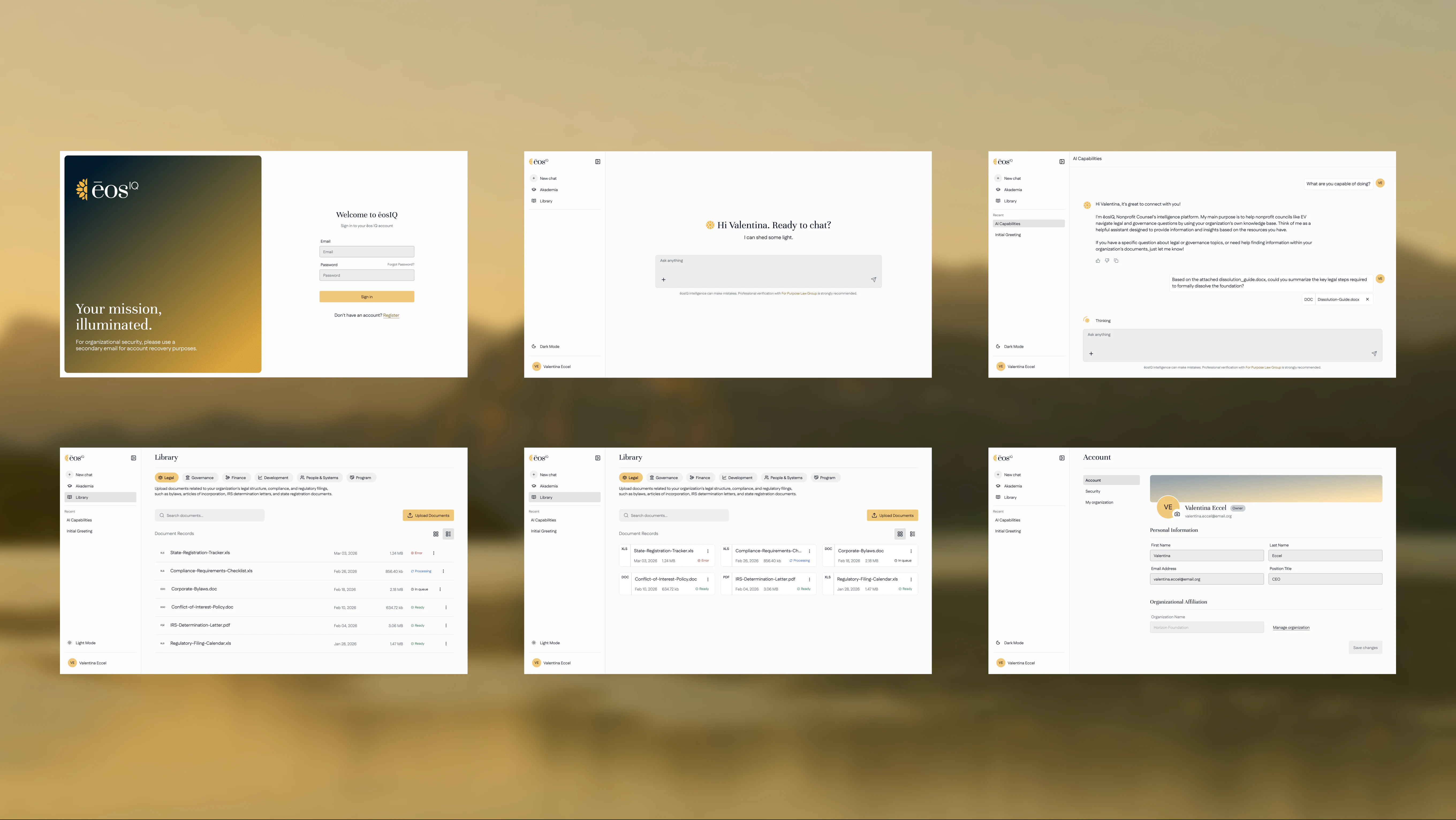
Each of the nine issues maps to one of the three decisions, and every screen ships in light and dark.

Issues flagged in the audit
25
Surfaces redesigned
17
Themes, one toggle
2
Design System Components
+40

Next project

Building something people rely on? Let's talk.

Coming soon

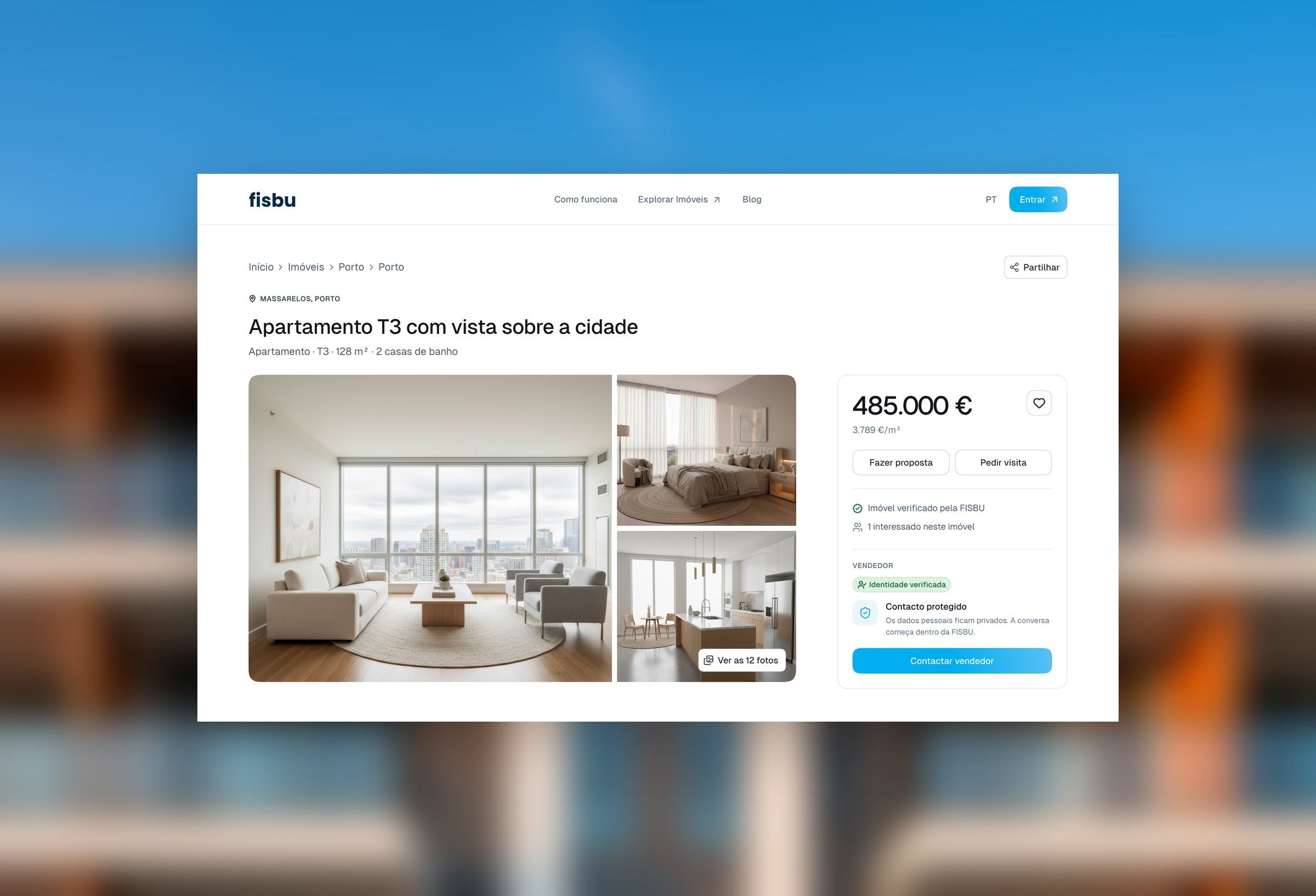
FISBU

Web App • Design System

Resume

Amanda Mandim

Product Designer & Engineer

Porto, Portugal

Summary

Since 2020, I've designed and built digital products for companies and agencies, working with 90+ clients around the world.

Somewhere along the way, learning development changed the way I design. I started looking at projects as a whole: how ideas behave in the real world, where problems might surface, and which decisions are actually worth making.

Today, I bring both design and development to the table: working close to real users and building with teams that keep improving things after launch. AI sits inside every step of the process. I use it to explore more directions, prototype in real code, and test ideas, so I reach the right answer faster.

Experience

  • Darkmatter AI Labs

    Product Designer & Engineer · Full-time

    2026 – Now

    • Design AI products from first research to production code
    • Design chat and agent interfaces for AI-powered tools
    • Build and maintain design systems in Figma and in code
    • Review admin tools and fix UX issues in React and Next.js
  • MANDIM.

    Product Designer & Engineer · Freelance

    2020 – Now

    • 15+ projects across websites, web apps, and SaaS products
    • Independently scope and manage every project end-to-end
    • Collaborate with designers, developers, or inside client teams
    • Integrate AI into research, prototyping, and content generation
  • Prismatico

    Webflow & Front-end Developer · Full-time

    2025 – 2026

    • Built production websites using Client-First standards
    • Used AI tools to prototype faster and build better components
    • Custom HTML/CSS/JS and GSAP for on-brand experiences
    • Ran cross-browser and cross-device QA before launch
  • Right Zero

    Webflow Dev & UX/UI Designer · Full-time

    2023 – 2025

    • Designed and built Webflow sites and landing pages
    • Optimized for performance, SEO, and conversion
    • Prototypes and high-fidelity UI for web and mobile in Figma
    • Worked with designers and external dev teams
  • Brava Studio

    UX/UI Designer · Internship, Full-time

    2020 – 2023

    • Designed branded web interfaces for web and mobile
    • User research and usability testing to validate designs
    • Built a strong foundation in Adobe CC and Figma

Collabs

  • FISBU

    Product Designer · Web App, Design System

    Now

  • MIEW

    Product Designer · eosIQ Web App, NPC Website

    2026

  • Zypsy

    Webflow Developer · Summ Website

    2025

  • Crew Pass

    Product Designer · Maritime SaaS, Design System

    2024

Education

  • EDIT. Disruptive Digital Education

    UX/UI Design

    2022

  • University of Coimbra

    B.A. in International Relations

    2021

Skills

Product Design(12)
  • Competitive & Market Analysis
  • User Research
  • Stakeholder Interviews
  • Analytics & Data Analysis
  • User Journeys & Flows
  • Brand Positioning
  • Information Architecture
  • Wireframing & Prototyping
  • Usability Testing
  • Interface Design
  • Interaction Design
  • Design Systems
Development(14)
  • React
  • Next.js
  • TypeScript
  • HTML, CSS & JavaScript
  • Tailwind CSS
  • Webflow Development
  • CMS Architecture
  • Web Animation (GSAP)
  • Localization
  • 3rd Party Integrations
  • Performance Optimization
  • SEO & AEO
  • Accessibility
  • QA & Testing
AI(8)
  • AI-Assisted Research
  • AI-Native Prototyping
  • AI Agents & Automation
  • Agentic Coding
  • Chat & Agent Interface Design
  • Generative UI
  • MCP Integrations
  • Building AI Plugins & Skills
Tools & Workflow(10)
  • Figma
  • Claude Code
  • Claude Design
  • Webflow
  • GitHub
  • Linear
  • Notion
  • Google Analytics
  • Adobe Illustrator
  • Adobe Photoshop

Languages

Portuguese
Native
English
Advanced
French
Intermediate